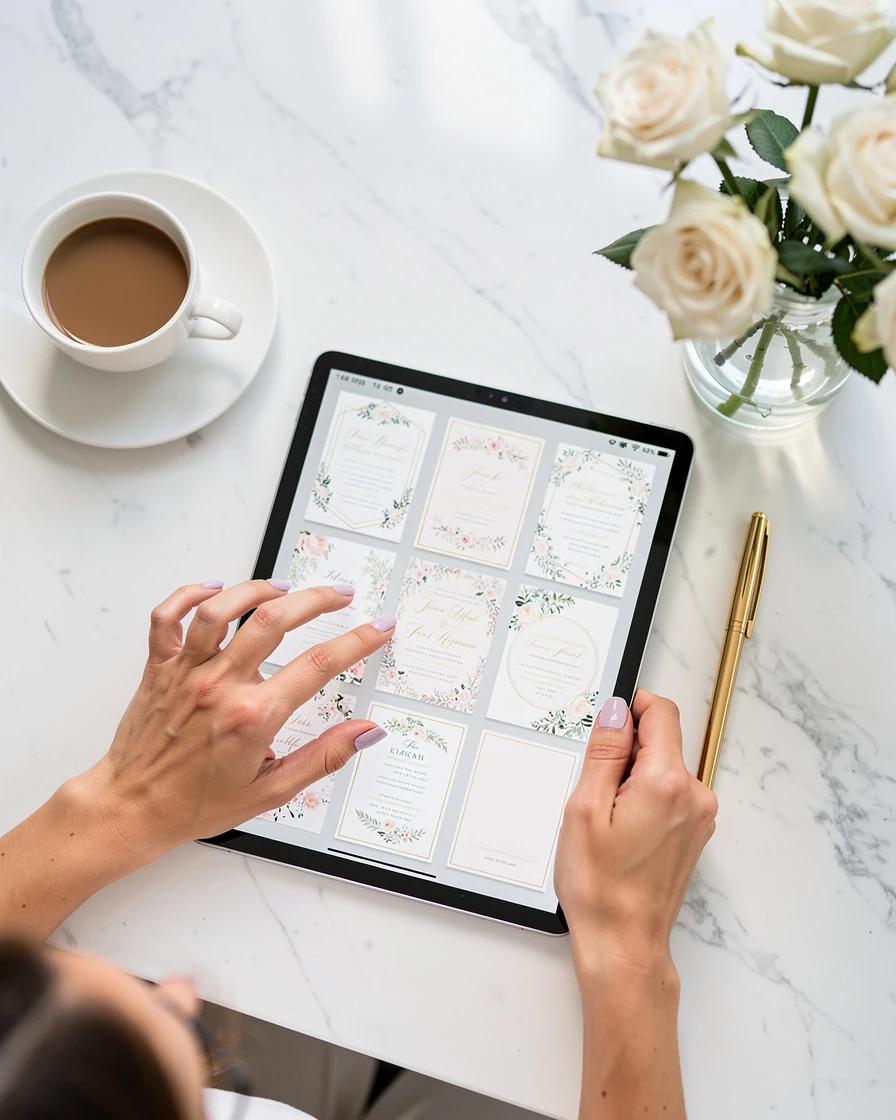
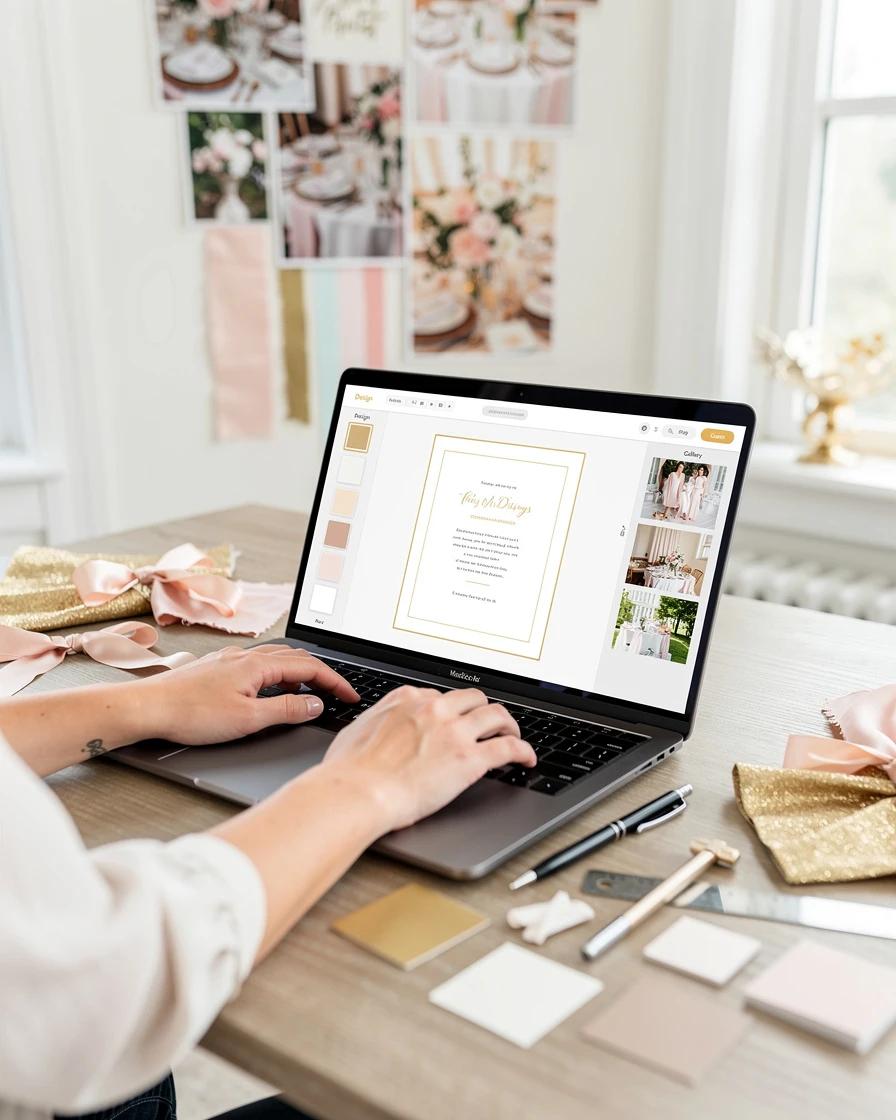
A digital birthday invitation is shared as a link on WhatsApp, updates if the date or place changes, and lets guests RSVP from their phones. It works for turning 30, 40, 50 or 60, for a small dinner or for a big party.
Send it on WhatsApp with a link, with nothing to print or hand out.
Date, time and map in one place: guests arrive without asking for the address.
The night's schedule with times: welcome drinks, dinner, toast, cake and dancing.
Dress code, so guests know whether it is formal, casual or themed.
A countdown to your birthday and background music for the mood.
Tell guests what to expect about gifts, with no awkward questions.
A gallery to collect the party photos.
Guests RSVP from their phones and you see the list in real time.
Birthday invitation FAQs
What should I put in an adult birthday invitation?
The basics: your name and the age you're turning (if you want to say it), date and time, the place with a map, the dress code or theme, the schedule if there is one, and how to RSVP. A simple wording that works: “I'm turning 40 and I want to celebrate with you. Join my party on August 8 at 8:00 p.m. There will be dinner, a toast and dancing. RSVP at this link.” In EleganceInvites each detail has its own section and you can change the wording freely.
How do I make a digital birthday invitation?
Pick a template, change the name, date, place and photos, and share the link on WhatsApp. You don't need design skills: everything is edited from your phone or computer and you can start without signing up. Guests RSVP from the same link.
Are there invitations for a 30th, 40th, 50th or 60th birthday?
Yes. The templates are editable: the name, the age you're turning, the colors, photos and text are yours to set, so the same design works for a 30th, 40th, 50th or 60th. There is an elegant black and gold one and a bright tropical one.
How do I send the birthday invitation on WhatsApp?
Finish your invitation, copy the link and send it in a chat or in your friends, family or work groups, from your own WhatsApp at no cost. You can also use automatic WhatsApp sending with the credits your plan includes, with a personal link for each guest.
Is a digital birthday invitation free?
You can create and try it free: the Free plan includes every template, up to 10 guests and 15 views. To send it to your whole list, Basic (30 guests) costs $14.99 USD and Premium (unlimited guests) $24.99 USD, a one-time payment per event with no monthly fees.
Can I add a dress code and a schedule to the invitation?
Yes. There is a dress code section to ask for formal, casual or a theme, and a schedule with times, for example dinner, toast, cake and dancing. Guests know what to expect and how to dress.
Can I change the invitation after sending it?
Yes. Edit it any time and the link stays the same: everyone who already received it sees the updated version, with nothing to resend. Handy when the date or place of the party changes.
Automatic WhatsApp sending: 1 credit per message to Mexico or Colombia and 2 to any other country; it is not delivered to US or Canada numbers. Sharing from your own WhatsApp is free and unlimited. You can add credits with packs.
Free plan: active until 5 days after the event · Basic: 2 months · Premium: 1 year.
Frequently asked questions
Now with Artificial Intelligence
Create your birthday invitation today
Design, share, and receive confirmations — all free, no card required.